

Accessing API Tokens
1
Open Organization Settings
Click the Settings tab while you are on your organization overview.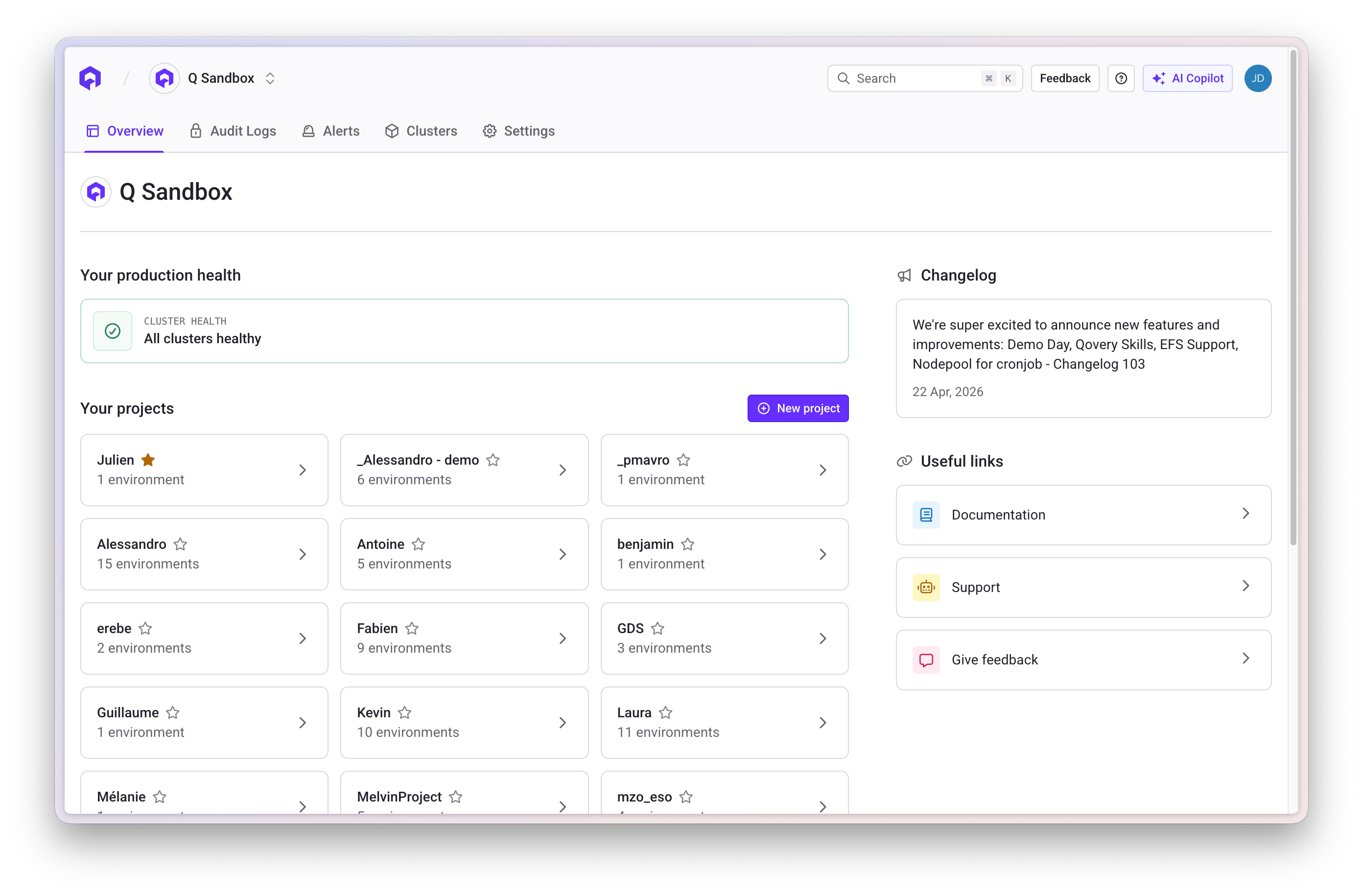
2
Navigate to Token API Section
Open the Token API section within the organization settings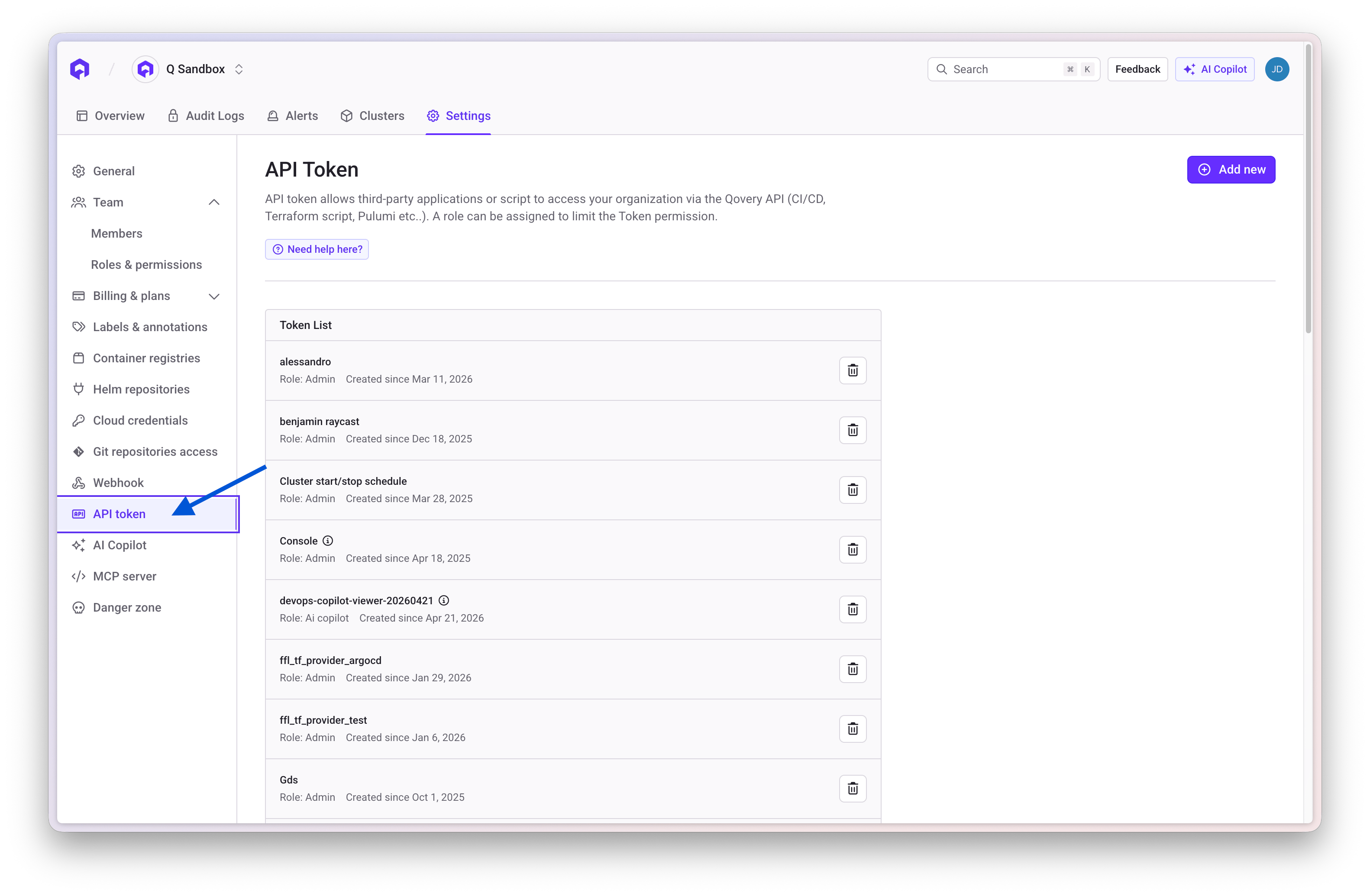
Create a New Token
1
Click Add new Button
Press the Add new button to create a new API token
2
Configure Token
Provide the following information: - Name: A descriptive name for the
token - Description: Purpose or usage details - Role: Select a role
managed via the Qovery RBAC system
3
Save Token
After creation, the token will be displayed once
Delete a Token
To remove an API token:- Locate the token in the Token API list
- Click the delete icon (trash icon) next to the token
- Confirm the deletion
Edit a Token
This functionality is not yet available. To modify a token, you’ll need to
delete the existing one and create a new token.